


If you’re ready to discover how AI can accelerate your product design workflow without losing its soul, let’s talk.
Choosing between native Android and cross-platform development is one of the first major decisions a company faces when planning a mobile application. This choice affects platform reach, performance, user experience, integrations, maintenance, and how easily the product can expand later. Native Android vs cross-platform does not have a single universal answer, since the right approach depends on what the application needs to do and who will use it.
Native Android vs Cross Platform: The Short Answer
Before comparing every factor in detail, it helps to answer the core question directly. Native Android development tends to fit best when Android-specific performance, device integrations, and platform control matter most. Cross-platform development tends to fit best when Android and iOS need similar features on a shared timeline. The sections below break down why, so you can match the approach to your application rather than to a trend.
What Is Native Android Development?
Native Android development means building an application specifically for Android devices using tools that Google supports directly. Developers typically write the application in Kotlin or Java, using Android Studio as the development environment. Jetpack Compose, a toolkit for building Android interfaces, and the Android SDK, a collection of libraries that give access to device capabilities, allow the application to work closely with the operating system.
Because the application is created specifically for Android, it can take full advantage of device hardware, system permissions, and platform behavior without relying on a translation layer. Companies exploring native Android app development usually do so because a project depends on this level of platform access.
Where Native Android Fits
Native Android development often fits well for:
- Android-only products with no near-term iOS plan
- Internal employee applications used on company-issued devices
- Warehouse and logistics applications
- Bluetooth-connected applications
- Camera-intensive applications
- Location tracking applications
- Hardware-connected products
- Applications that need advanced background activity
What Is Cross-Platform Development?
Cross-platform development uses a shared codebase to create applications that run on both Android and iOS. Instead of writing two separate applications, teams write most of the logic and interface once and deploy it across platforms. Flutter, React Native, and Kotlin Multiplatform are common approaches, each with different levels of shared code and native access. Companies weighing Flutter app development against a fully native build are usually trying to solve for speed across two platforms.
The exact amount of code that can be shared and how much native functionality each framework exposes varies depending on the technology chosen and how the application is structured.
Where Cross Platform Fits
Cross-platform development is often a strong fit for:
- Booking platforms
- Ecommerce applications
- Customer portals
- Marketplaces
- Communication applications
- Early product releases are meant to validate an idea quickly
- Applications where Android and iOS need nearly identical features
Native Android vs. Cross-Platform: Full Comparison
The table below summarizes how native Android and cross-platform development compare across the factors that matter most to product teams.
| Factor | Native Android | Cross Platform |
| Supported platforms | Android only | Android and iOS |
| Codebase | Single Android codebase | Largely shared codebase |
| Performance | Direct access to system resources | Strong for most common use cases |
| User interface | Follows Android-specific patterns | Shared interface with some platform variation |
| Native feature access | Full and immediate | Often available through packages or plugins |
| Device integrations | Direct control | Depends on framework support |
| Development team | Android-focused developers | Cross-platform focused developers |
| Platform expansion | iOS requires a separate build | iOS is already included |
| Maintenance | Updates apply to one platform | Shared updates, but separate testing still needed |
| Suitable application types | Hardware-heavy, background-heavy apps | Feature parity apps across platforms |
This comparison shows that neither native Android nor cross-platform development is automatically the better option. The right choice depends on the application requirements, the platforms the company must support, and how the product is expected to grow, rather than which framework is more popular at a given time.
Which Performs Better: Native or Cross-Platform?
Performance differences between native Android and cross-platform development are most evident in specific situations, not across every screen of an application.
Application launch speed, animation smoothness, background activity, large datasets, real-time updates, video processing, and hardware-intensive features are the areas where native Android can offer more direct control over system resources, since the code runs without an additional framework layer.
Modern cross-platform frameworks perform well for everyday use cases such as browsing content, managing accounts, and displaying standard data. It would be inaccurate to say that all cross-platform applications suffer from poor performance. The gap becomes more relevant when an application depends heavily on continuous background processing, complex animations, or advanced hardware access.
How User Experience Differs by Platform
Native Android applications naturally follow Material Design, the visual and interaction system Google created for Android, including navigation patterns, gestures, and layout behavior that Android users already expect, along with close adaptation to different device sizes and accessibility settings.
Cross-platform applications aim to provide a consistent interface across Android and iOS, which can reduce design duplication. Android and iOS users have different expectations around navigation and interaction, so some cross-platform applications include platform-specific adjustments to feel natural on each device.
Platform-specific control becomes more important when an application relies heavily on Android-specific components or tight integration with system-level interface elements. Teams that want interface work reviewed closely against user expectations often bring in UI and UX design services alongside development.
Device Features and Integrations Compared
Most mobile applications need access to at least some device features, including:
- Camera
- GPS
- Bluetooth
- NFC
- Biometric authentication
- Push notifications
- Background services
- Sensors
- Payment systems
- Wearable devices
- External hardware
Cross-platform frameworks typically rely on packages or plugins to reach these features, allowing teams to move quickly on common integrations such as push notifications, camera access, and standard location services.
Advanced or less common features, particularly specialized Bluetooth communication, custom sensors, or new operating system capabilities, may require native Android code to work reliably. Teams sometimes build a native module inside a cross-platform application, or choose native Android development from the start.
Is One Approach More Secure?
Security depends less on whether an application is native or cross-platform and more on architecture, development quality, testing, and ongoing maintenance. Both approaches can support strong security when built correctly, and key areas to evaluate include:
- Authentication
- Encryption
- Secure API connections
- Local data storage
- Biometric access
- User roles and permissions
- Third-party dependencies
- Handling of sensitive information
Applications in healthcare, finance, enterprise environments, or any product handling sensitive personal information require additional planning regardless of the approach, including careful review of how data is stored, transmitted, and accessed.
Maintenance: Native vs Cross Platform Long Term
Long-term maintenance is another important part of this decision. Native Android applications need to keep pace with operating system updates, security patches, and new device capabilities, but this work applies to a single platform.
Cross-platform applications can reduce repeated development work across Android and iOS because much of the logic is shared, and updating a feature once often applies to both platforms at the same time. Each platform still requires separate testing, since Android and iOS handle permissions, notifications, and background behavior differently.
An existing codebase can also shape this decision. A company with an established Kotlin, Java, Flutter, or iOS codebase may find it more practical to extend that codebase rather than starting over, particularly if the current application performs well and simply needs new features. Companies that maintain separate Android and iOS app development tracks often reach this point when deciding whether to unify future work under one codebase.
Should You Target Android Only or Both Platforms?
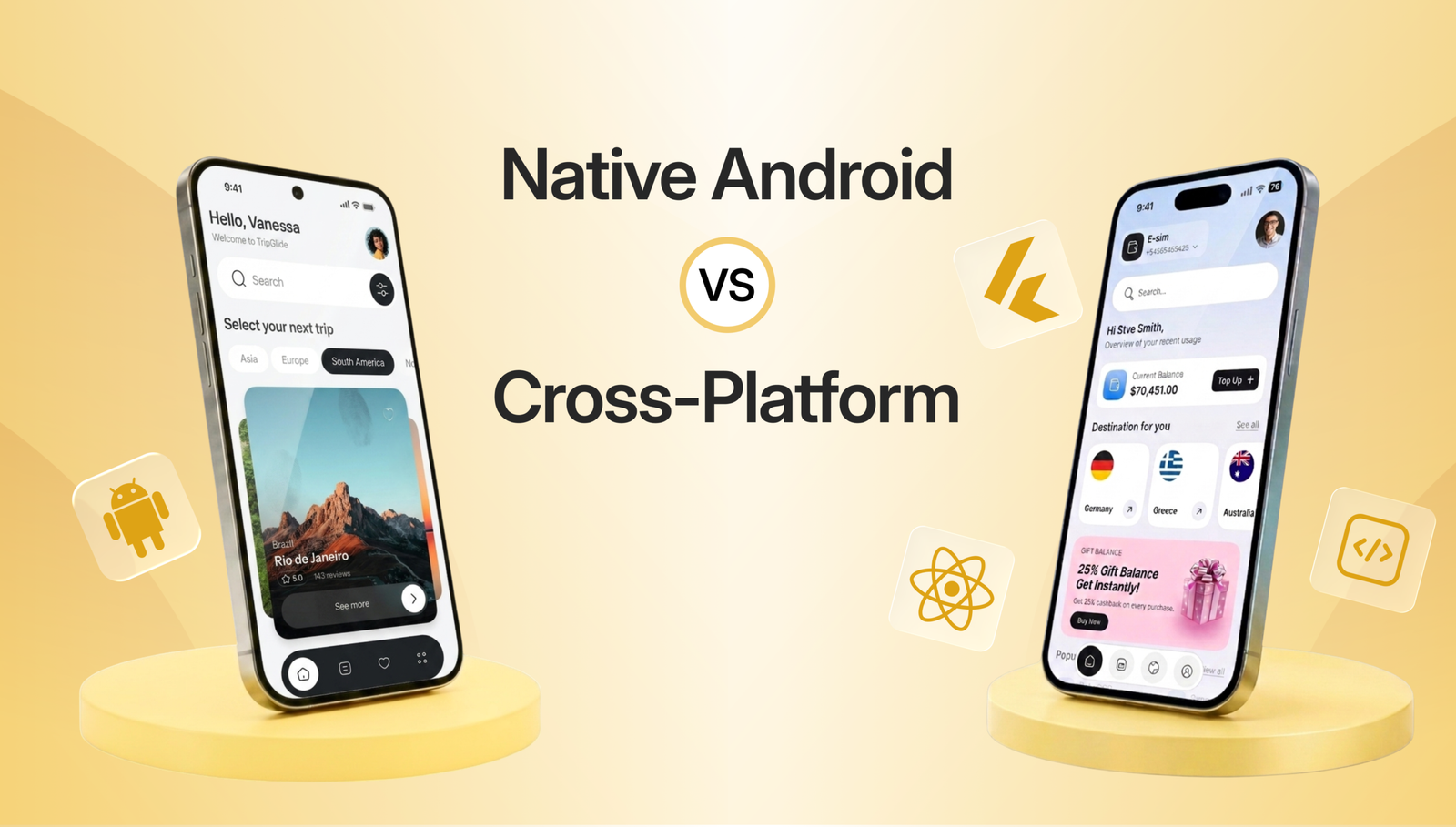
An Android-only approach may be appropriate when most users are on Android, when employees use company-supplied Android devices, or when the application depends on Android-specific hardware, with no near-term iOS release planned.
A cross-platform approach may be appropriate when Android and iOS are equally important, both platforms need to launch close together, or the core features are largely the same across platforms, and the company wants a connected roadmap with limited platform-specific functionality.
When Native Android Is the Right Choice
Native Android development tends to fit when Android is the primary platform, when advanced device features and background processes are central, when strong platform control is necessary, or when the company already has Android expertise. Applications that must closely follow Android interface behavior also benefit from this approach.
For example, a logistics company building a warehouse scanning application that connects to barcode scanners, runs continuously in the background, and operates entirely on company-issued Android devices would likely benefit from native Android development, since the application depends on tight hardware integration and reliable background performance.
When Cross-Platform Is the Right Choice
Cross-platform development often fits when Android and iOS need to launch together, when most functionality is shared across platforms, and when the product is still being validated with early users on both operating systems. It also fits standard mobile applications and companies that want a connected roadmap without maintaining two separate codebases.
For example, a company launching a new booking platform or marketplace that needs to reach both Android and iOS users quickly, with similar features on each platform, would likely benefit from a cross-platform approach that supports faster parallel releases. Reviewing a mobile application portfolio of similar projects can help confirm whether this approach has worked well for comparable products.
Where Cross Platform Falls Short
Certain situations may require additional native work even within a cross-platform project, including advanced Bluetooth integrations, complex background activity, heavy image or video processing, deep operating system integrations, and unreliable third-party packages.
This does not mean cross-platform development cannot support complex applications. Many advanced products use a cross-platform foundation with select native modules for specific features.
When Native Android May Be Excessive
Native Android development can introduce unnecessary complexity when the application uses standard features, and Android and iOS require nearly identical functionality. If a multi-platform release is already planned, maintaining separate platform teams may offer little practical advantage, especially when the product does not rely on any Android-specific capability that would justify a fully separate codebase.
Questions to Answer Before You Choose
Who Will Use the App?
Consider who the primary users are, which devices they use, and whether the application will run on phones, tablets, or wearables.
Which Features Matter?
Identify which features are essential from launch, including any advanced device integrations or performance-sensitive functionality.
What Systems Must Connect?
Review the backend systems and existing infrastructure the application must connect with, along with any related security requirements.
What Comes Next?
Think about future releases, additional user roles, and how the application might expand once the first version is in use. Companies without a large internal team sometimes rely on team extension services to support this next phase without slowing down the current project.
Decision Table by App Type
| Application Type | Likely Approach | Reason |
| Internal Android field application | Native Android | Runs on company devices with deep hardware access |
| Ecommerce application | Cross platform | Similar features expected on Android and iOS |
| Bluetooth connected application | Native Android | Advanced hardware communication often needed |
| Booking platform | Cross platform | Shared features across both platforms |
| Video editing application | Native Android | Heavy processing benefits from direct system access |
| Customer portal | Cross platform | Standard features with a shared roadmap |
| Warehouse scanning application | Native Android | Background activity and hardware integration |
| Early product release | Cross platform | Faster validation across both platforms |
| Android-only consumer application | Native Android | No current need for iOS support |
| Financial application | Depends on requirements | Security and integration needs must be reviewed closely |
This table provides general direction only. The application architecture should be evaluated in detail before development begins, since specific requirements can shift the right approach in either direction.
How Webforest Selects an Approach
Webforest reviews several factors before recommending an approach, including target users, required platforms, application features, device integrations, existing systems, security requirements, product roadmap, and maintenance responsibility, along with internal technical resources that may already point toward one approach.
Webforest supports native Android development, Flutter development, iOS development, interface design, backend integration, testing, Play Store launch, and application modernization for companies replacing an older product.
Final Recommendation
Native Android may be the stronger choice when Android-specific performance, advanced device integrations, and close platform control are essential to how the application works. Cross-platform development may fit better when Android and iOS need similar features, and the product follows a connected roadmap across both platforms.
The decision between native Android vs. cross-platform should be guided by the application requirements and the direction the product is expected to take, rather than by which approach is more widely discussed at the moment.
Choose the Right App Approach
Planning a native Android or cross-platform application? Discuss your users, required features, integrations, and future product direction with the Webforest mobile team.


 From India


