


If you’re ready to discover how AI can accelerate your product design workflow without losing its soul, let’s talk.
How AI Is Quietly Redefining Product Design
A few years ago, artificial intelligence was a futuristic buzzword, something only tech giants experimented with.
Today, it’s quietly reshaping how product designers think, create, and collaborate.
From brainstorming new UI layouts to automating hours of research analysis, AI tools for product designers have become the creative sidekicks we never knew we needed.
But with this power comes new challenges. Design teams now find themselves asking:
- How much can we trust AI-generated ideas?
- Does relying on tools like ChatGPT or Figma AI make our work less original?
- Where’s the line between smart automation and creative laziness?
These are not just theoretical questions. They’re real dilemmas design teams face daily, especially as 2026
The best AI design tools promise to make creative work faster, cheaper, and more data-driven than ever before.
At Webforest, we’ve seen both sides of this shift. We use AI to speed up web and app design, improve UX workflows, and bring ideas to life faster, but we also understand where human creativity must take the lead.
This guide breaks down everything you need to know about using AI in product design, what it does brilliantly, where it struggles, and how to get the most out of it without losing your designer’s touch.
1. Why Product Designers Are Turning to AI
Design has always evolved with technology.
Just like Photoshop changed visual design and Figma revolutionized collaboration, AI is now redefining how we create, not just what we create.
The Shift in Designer Workflows
Traditionally, product design involved:
- Manual user research
- Brainstorming wireframes on whiteboards
- Endless iterations based on feedback
Today, AI tools can:
- Transcribe interviews in minutes
- Analyze user behavior for hidden patterns
- Generate wireframes and prototypes from simple text prompts
- Predict user attention with visual heatmaps
Think of AI as a fast, analytical design partner. It handles the “grunt work” of data, repetition, and layout options so human designers can focus on strategy, creativity, and storytelling.
Real-World Example
A designer using Uizard.io can sketch an app idea on paper, snap a photo, and have a clickable prototype ready in minutes.
Or a UX researcher using QoQo.ai can transform user data into detailed journey maps directly inside Figma.
That kind of speed would have been impossible a few years ago. But while AI simplifies the process, it also introduces new challenges, especially around originality, over-dependence, and bias.
2. Common Challenges Designers Face When Using AI
Even with powerful tools, not every designer gets it right. Here are a few common pitfalls:
Over-Reliance on AI Suggestions
It’s tempting to accept AI’s first layout or copy suggestion because it’s fast, but this often leads to generic, template-like designs. AI doesn’t fully understand brand emotion or audience nuance. The result? Beautiful visuals that feel flat or soulless.
Neglecting Human Context
AI can suggest color palettes that meet accessibility standards, but it doesn’t know if your target audience prefers bold, minimal, or nostalgic tones.
Designers must still interpret why those choices matter.
Ignoring Data Ethics
Many forget that AI systems train on public datasets. Using them without verifying data accuracy or copyright can lead to legal or brand risks, especially in corporate product design.
Tool Overload
With hundreds of new AI plugins launching every month, teams often waste hours experimenting rather than mastering a few tools that truly fit their workflows.
3. The Pros: How AI Empowers Product Designers
Let’s look at the upside, and there’s plenty of it.
3.1. Lightning-Fast Workflows
AI automates repetitive tasks such as resizing images, generating wireframes, and writing UX copy.
Example: Magician for Figma creates icons or images instantly, saving hours of manual work.
3.2. Smarter, Data-Driven Design
AI can analyze massive datasets from user feedback to behavior logs to uncover insights that humans might miss.
Tools like Attention Insight predict where users’ eyes will focus, helping designers refine layout hierarchy with confidence.
3.3. Creative Idea Generation
Stuck on a layout? Ask ChatGPT to act as a “design critic” or “client reviewer.” You’ll often get fresh perspectives that spark new directions.
3.4. Personalization at Scale
AI lets teams craft adaptive user experiences that evolve with user behavior, something nearly impossible to do manually.
3.5. Cost and Time Efficiency
Automating parts of research and design reduces production costs and shortens launch timelines, which is crucial for startups and fast-moving brands.
4. The Cons and Limitations of AI in Product Design
While the benefits are exciting, every tool comes with trade-offs.
AI can make product design faster and more efficient, but without the right balance, it can also introduce new problems.
4.1. Risk of Generic and Repetitive Designs
AI learns from existing data, meaning it often repeats familiar styles and trends.
That’s why many AI-generated designs start looking alike, clean, functional, but lacking the “spark” of originality.
For example, an AI might suggest a perfect landing page layout, but it won’t know your brand’s personality or your audience’s emotional triggers. The result? Visually polished designs that fail to connect.
How to avoid this:
Use AI for exploration, not execution. Treat AI outputs as creative drafts you refine with your team’s unique perspective.
4.2. Data Privacy and Ethical Concerns
Most AI tools for product designers rely on data inputs from user behavior to visual assets.
If that data isn’t handled carefully, it can lead to privacy breaches or copyright violations.
For example, some generative tools may train on unlicensed images. Using those outputs for commercial work can create legal complications.
How to avoid this:
- Choose tools that are transparent about their data sources.
- Avoid uploading sensitive client or user data.
- Always review AI-generated assets before publishing.
4.3. Over-Reliance Weakens Creative Judgment
When designers lean too heavily on AI for decision-making, critical thinking takes a back seat.
The danger isn’t that AI replaces designers, it’s that designers stop questioning its output.
Just like GPS makes us forget how to navigate, overusing AI can dull creative instincts.
How to avoid this:
Use AI as a collaborator, not a crutch. Always ask, “Does this design still reflect real human insight?”
4.4. Learning Curve and Tool Fatigue
With new plugins and AI platforms launching daily, it’s easy to get lost chasing “the next big thing.”
Teams spend more time testing than designing, and productivity takes a hit.
How to avoid this:
Pick 2–3 reliable tools that integrate into your workflow.
At Webforest, for instance, we use a mix of Figma AI plugins, ChatGPT for ideation, and Attention Insight for testing tools that complement, not complicate, our process.
4.5. Copyright and Ownership Questions
Who owns an AI-generated image or layout: you or the algorithm that made it?
The answer often depends on the tool’s license agreement. This gray area can be risky when creating commercial products.
How to avoid this:
Always check the licensing terms for each AI platform. When in doubt, treat AI output as inspiration and recreate it manually in your own design environment.
5. Balancing Human Creativity and Machine Intelligence
Despite these challenges, the goal isn’t to reject AI. It’s to master how we use it.
AI can analyze data, automate workflows, and spark ideas. But only humans can add empathy, emotion, and cultural relevance, the things that make a product truly meaningful.
Think of it this way:
AI is your fast, logical assistant.
You’re the one who decides what’s beautiful, ethical, and useful.
At Webforest, our design philosophy is simple:
Technology should amplify creativity, not replace it.
We use AI to save time and extract insights, but our designers still lead with strategy, storytelling, and intuition.
How to Strike the Right Balance
Here’s a simple step-by-step approach any product team can apply:
- Start with clarity – Define your design goal before using any AI tool.
- Use AI for research and exploration – Generate ideas, personas, or wireframes quickly.
- Validate everything manually – Test outputs with real users or team feedback.
- Refine with human emotion – Add storytelling, empathy, and brand nuance.
- Document your process – Keep track of what’s AI-generated for transparency and ethics.
The best designs of 2026 won’t be 100% human or 100% AI. There’ll be collaborations between the two.
6. Best AI Design Tools 2026
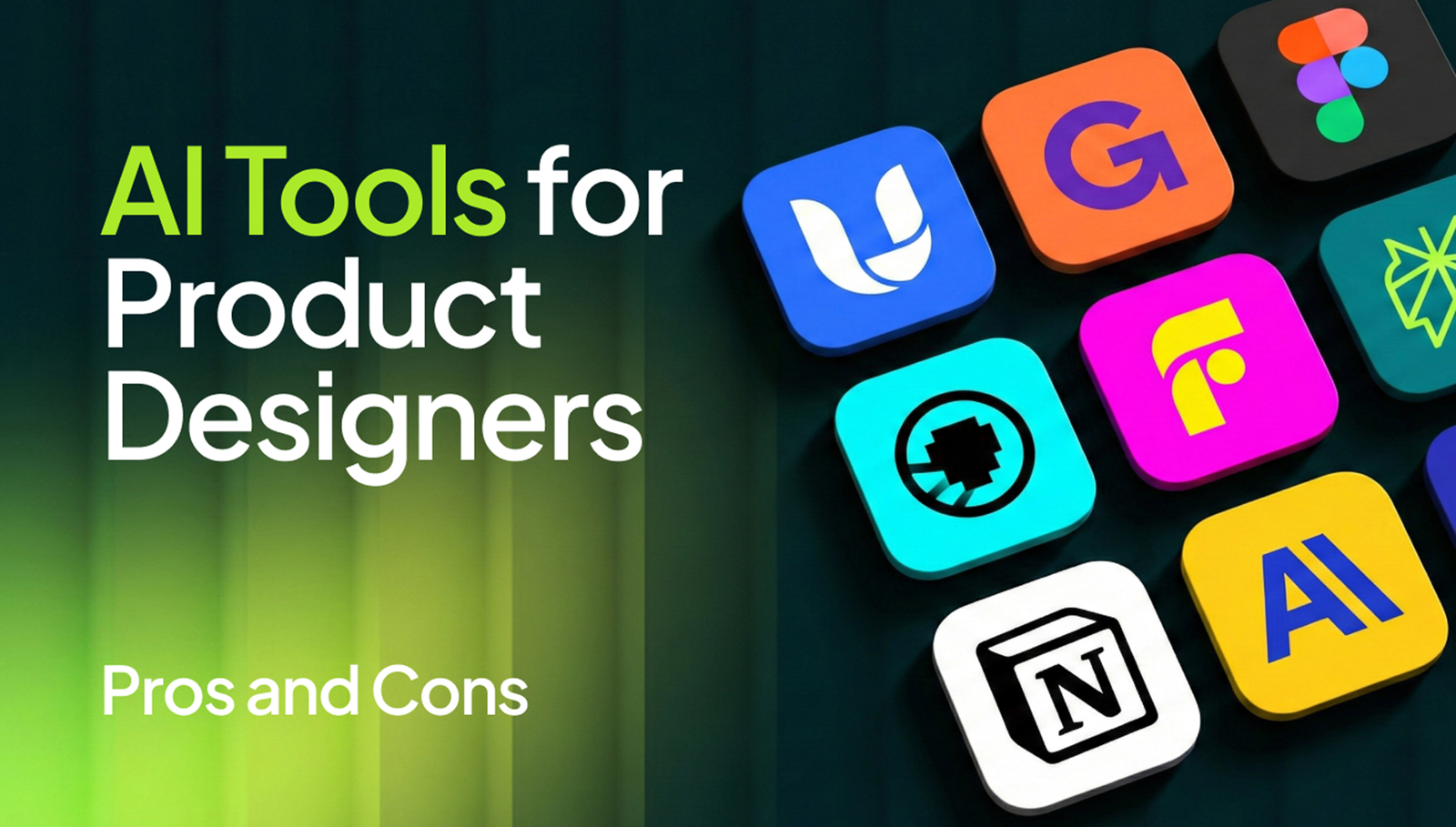
If you’re ready to explore or upgrade your toolkit, here are some of the best AI design tools 2026 that our team and global designers are using successfully:
| Category | Tool | What It Does Best |
|---|---|---|
| Ideation & Research | ChatGPT / Claude / Perplexity AI | Brainstorm design ideas, analyze UX pain points, draft copy |
| UX Mapping | QoQo.ai (Figma Plugin) | Creates user flows, personas, and journey maps directly inside Figma |
| UI Design & Prototyping | Uizard.io / Magician / Galileo AI | Converts sketches or text prompts into editable prototypes |
| Testing & Analysis | Attention Insight / Clueify | Predicts user attention, supports A/B testing, and accessibility checks |
| Color & Branding | Huemint / Foundation Color Generator | Builds color palettes and design systems with accessibility validation |
| Presentation & Communication | Gamma AI / Tome | Generates polished client presentations and reports from your design data |
These tools combine speed, intelligence, and creative support, but the secret is using them strategically.
7. Designing Smarter, Not Lazier
AI isn’t the enemy of creativity. It’s the next evolution of it.
For product designers, the opportunity isn’t just to design faster, but to design smarter.
AI tools give us data, efficiency, and automation, but it’s still human empathy that turns those insights into meaningful experiences.
The future belongs to hybrid creators, designers who understand how to use technology without losing their artistic instincts.
At Webforest, we help design teams, startups, and enterprises build that future today.
Whether you’re exploring AI-driven design systems, building a custom web or mobile app, or need a complete UX workflow enhanced with AI, our experts can help you combine creativity with the best technology of 2026.
Final Thoughts: Building the Future of Design with AI and Human Creativity
AI isn’t replacing creativity. It’s redefining how creativity happens.
For product designers, the real magic lies in using technology intentionally.
When you combine AI’s analytical power with human empathy, the result is smarter, faster, and more meaningful design.
The most successful design teams in 2026 won’t be the ones using the most tools.
They’ll be the ones who know when to let AI assist and when to take back control.
At Webforest, we’ve seen this balance firsthand.
Our designers use AI to automate the mechanical parts of work, like prototyping, color systems, and usability testing, while our strategists and storytellers focus on what AI still can’t replicate:
human emotion, brand purpose, and experience design that genuinely connect with people.
So whether you’re:
- exploring AI-enhanced UX and UI design,
- building a web or mobile app, or
- developing a custom CRM or enterprise software
Webforest helps you integrate AI tools intelligently into your product design process.
We don’t just follow trends; we turn them into results you can measure.


 From India


